Save a project in VR
Saving the file updates the .logia. This .logia is easily readable and free to access on the Reader version of Logia/Practice. Sending it to a third party has no particular restrictions. The experience can be read as long as the Reader/Editor versions are compatible with the recorded version.
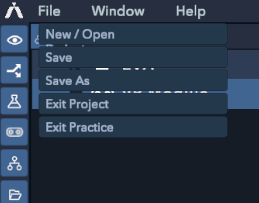
To save a .logia (practice) file, go to "File" in the main top menu. You can either save the file by selecting "Save" or save and create a copy by selecting "Save As."
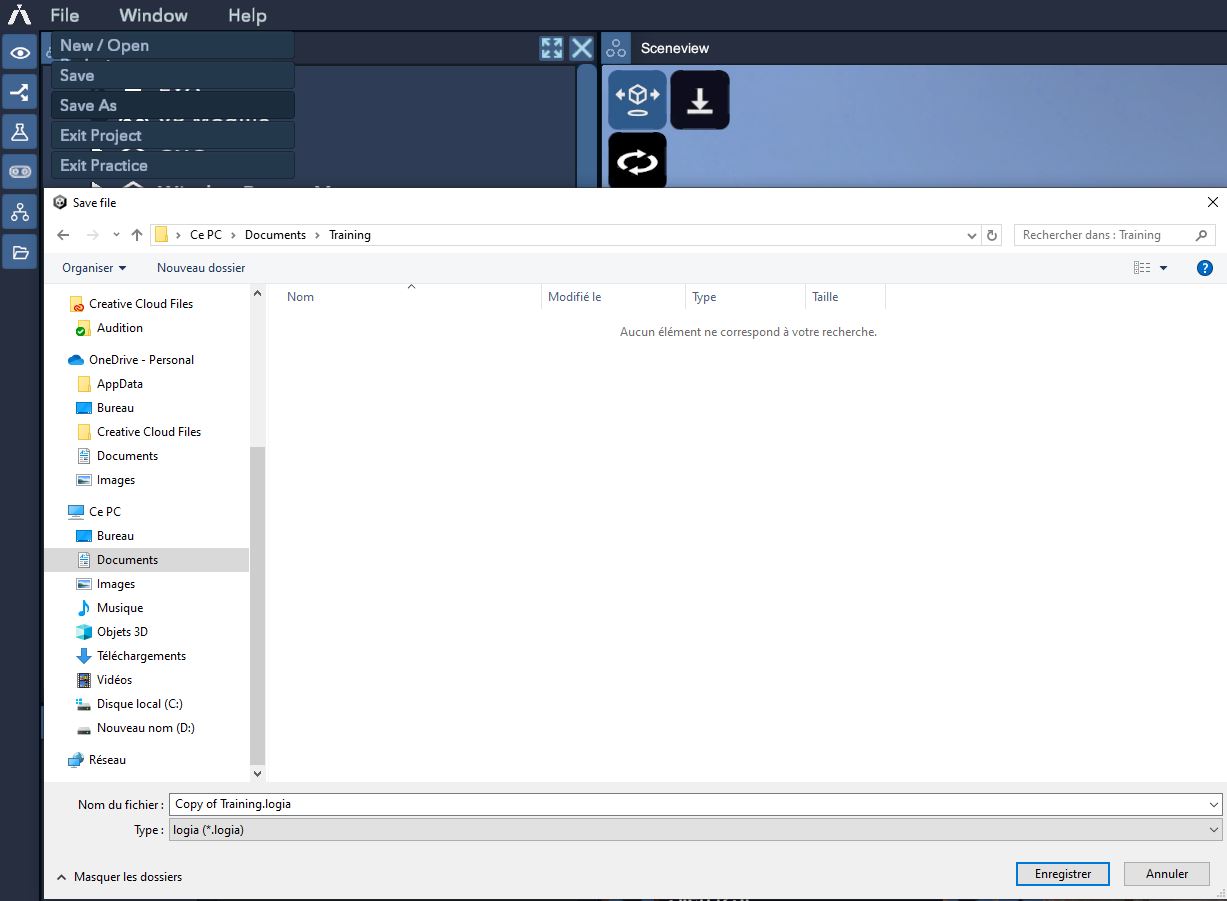
You can then find your saved files in the main menu under "My Projects."