Installation
Installation de l'éditeur
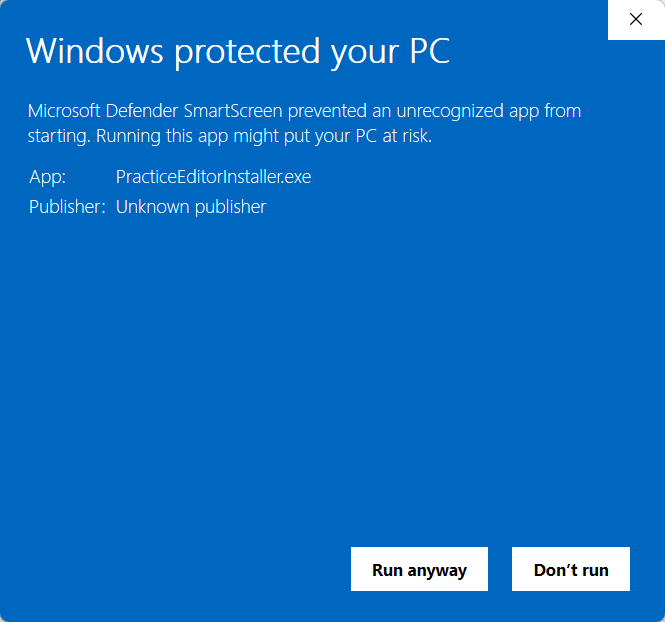
In order to use the Practice Editor, you should launch PracticeEditorInstaller.exe provided by Altheria. In most cases Microsoft Defender SmartScreen will block the installer has it is not yet recognized by Microsoft's database.
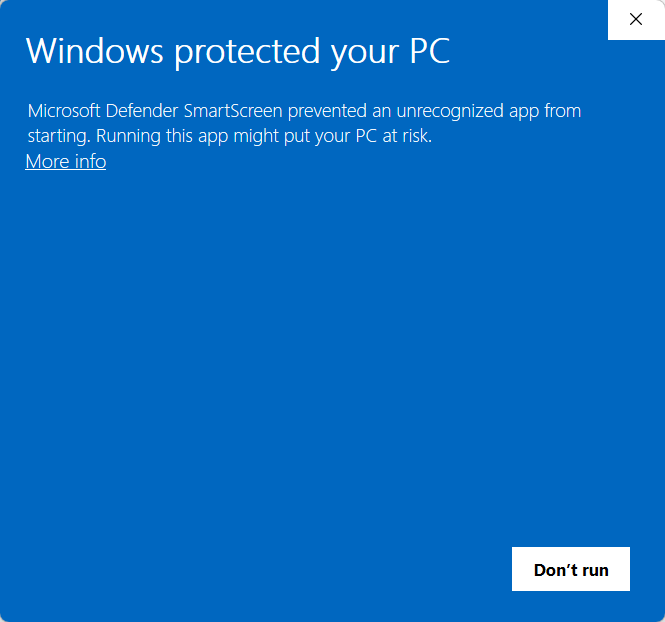
To continue the installation process, press "More informations" and "Execute Anyway".
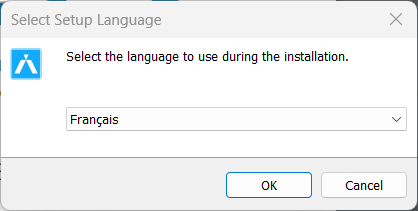
Once the installer has started, you can choose a language (Note : this language is only applied to the installer. Not to Practice Editor).
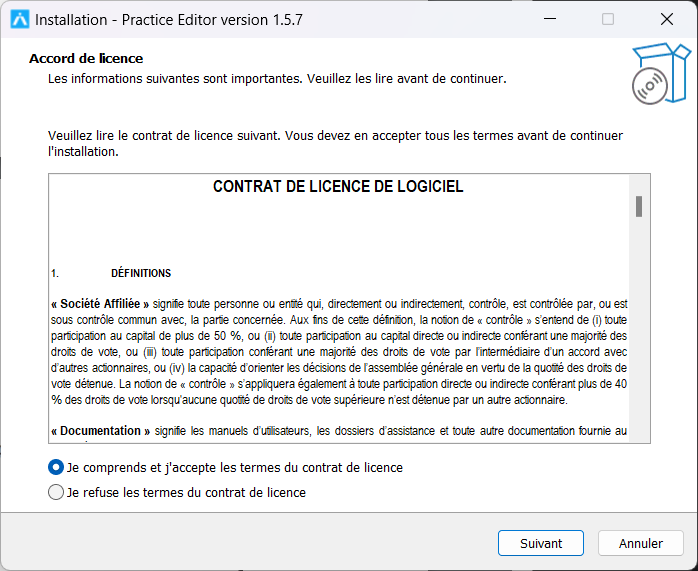
At the start of the installer, the terms of the license are presented. These have a full version found in the EULA signed by your organization.
Vous pouvez modifier l'emplacement du logiciel.
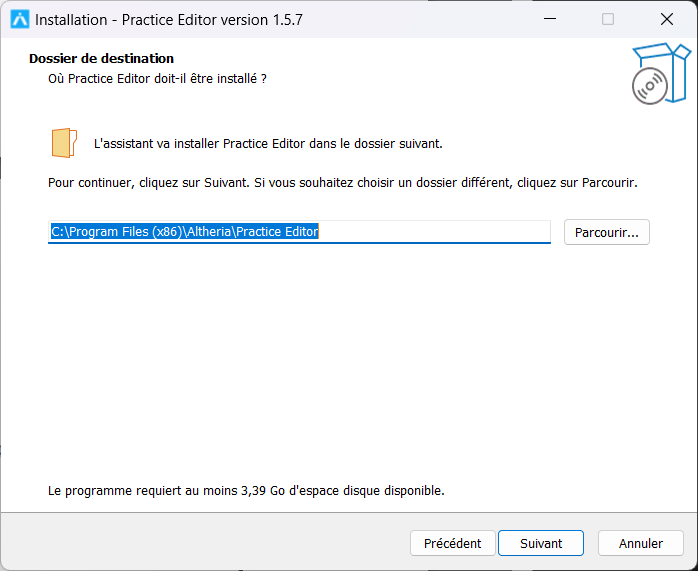
Creating a shortcut on the desktop will place it on the desktop of all users on the workstation.
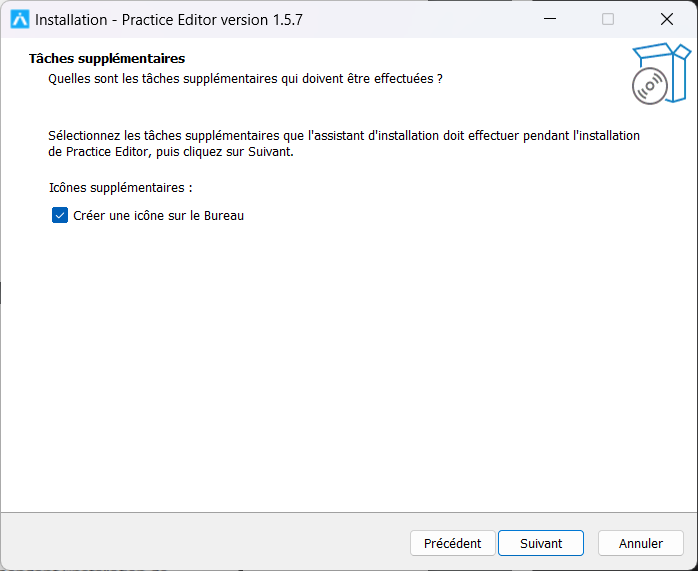
Once the options are selected, you can start the installation.
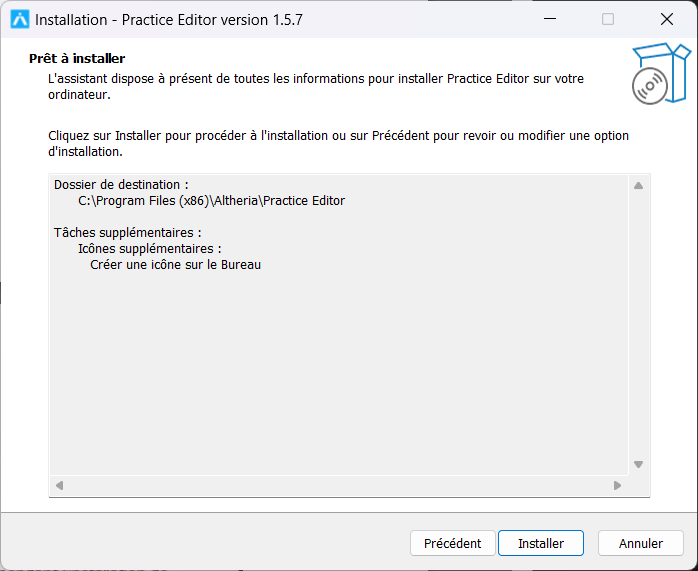
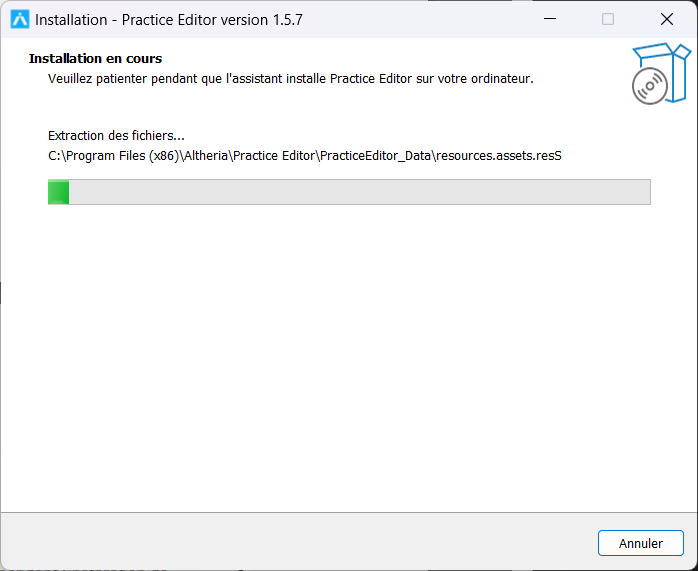
The installation may take several minutes.
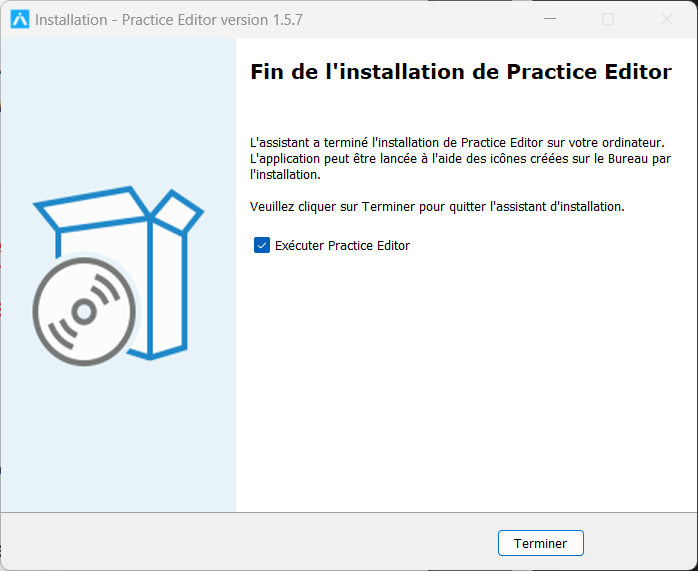
The installation is now complete.
You can choose to launch the application or simply close the window.
VR headset setup
Practice is fully compatible with the OpenXR standard1, so you will be able to use a wide range of virtual reality headsets available on the market.
In order to connect the headset to Practice, you will need to use an intermediary known as a runtime. There are two main ones on Windows: SteamVR2 and Oculus3, but the choice of runtime depends on the headset you have. We recommend using the Oculus runtime for headsets developed by Meta and SteamVR for the others.
Oculus
The Oculus runtime is compatible with Meta headsets (Rift and all Quest variants). Quest headsets must be connected to the computer via a Link cable.
For more information regarding the setup of your Oculus headset, we recommend following Meta's officials informations'.
SteamVR
The SteamVR runtime must be installed through the Steam distribution platform4. Steam requires the creation of an account to use its services.
The installation process is similar for all devices, with a few hardware-specific configuration differences. A non-exhaustive list for configuring devices with SteamVR:
Other
Other connected headsets are available on the market with proprietary applications, such as Varjo5 or Pico6. However, these applications use a runtime like SteamVR to communicate with VR applications.
Once the installation is complete and the headset is initialized, move on to the section Project Management.